Every now and then, you run into a situation where you have a certificate for a website or service, but for one reason or another, you don't have the whole chain.
This quick article explains how to clean up all dependencies installed with npm or yarn, and stored in folders called "node_modules" within your project and solution files.
This article explains how to list all "Environment Variables" (that's pipeline variables, job / stage variables, predefined variables and even local script variables that are mounted on to the agent as Environment Variables) using PowerShel...
This article will explain how to fix an annoying situation, where Visual Studio fails to find any System types or other "basic" stuff you're pretty sure your project should have, automagically, out-of-the-box, without you doing anything.
This article explains how I fixed Terminal / PowerShell being unable to locate my winget when I was trying to install something with it. This was quite unexpected as I knew for sure I had installed winget, and I had also used it before successfully.
In this article, I'll share a simple script for a simple use case: removing blobs from a virtual directory structure in a container in an Azure blob storage account.
Anyone still remember Log4Shell? The incredibly easy-to-exploit, zero-day vulnerability in Log4j, a popular Java logging framework, that made arbitrary code execution extremely simple and straightforward.
Azure offers this great offering that is in my mind underutilized still - managed certificates that they'll renew for you. While the offering is called Azure App Service Certificates , they are not only limited to being used in App Services.
This article explains how to easily add additional headers to the Graph API calls you make in PowerShell using Invoke-PnPGraphMethod commandlet. There's a convenient sample for you to copy-paste and some basic explanations on what we're doing below.
That's a mouthful, right? But yeah - this article shows and tells how to do a parallel foreach loop in PowerShell, and how to do it properly! Well, at least probably. This is how I did it anyway. But that's enough chitchat, let's get to it!
This article explains what to do to get rid of an error that SEEMS simple to fix but might turn out to be elusive, namely, "The term 'yo' is not recognized as the name of a cmdlet, function, script file, or operable program.
This article expands on my earlier article on automatically figuring out versioning in an Azure DevOps Pipeline. In the other article, you'd add Major and Minor versions as variables, and Patch (the last part of an x.y.
Every now and then, you run into a situation where you might need an SSL (or TLS, as they nowadays usually actually are) certificate. You could always generate a self-signed one - but that won't be trusted by anyone, so that's no bueno.
Heh, this article is going to be another one of those "Drat, I should've known this" articles. But maybe it'll be helpful for someone else as well! In this post I will explain how to get around the "Error: Invalid use of command line.
In Azure DevOps, you sometimes have a project that's being built with a certain .NET version. It'll require that particular SDK version, and most typically that is defined in the global.json file. However, if you also need to install a certain .
Eh, this was a weird one. This article explains how to get around an issue where your build tools fail due to weird "path does not exist" errors when you're using bash to execute a restore to your project.
Today, I'm writing about a stupid error. Yeah, I do make those every now and then. After adding a for loop to my PowerShell script, I started to get annoying ParserErrors about my for loop missing a closing bracket.
This article explains an annoying extra step (or a really nifty trick - depending on how you choose to look at it!) that you can take to make sure your PowerShell 7 is able to import a module that was developed for .NET Framework, instead of .
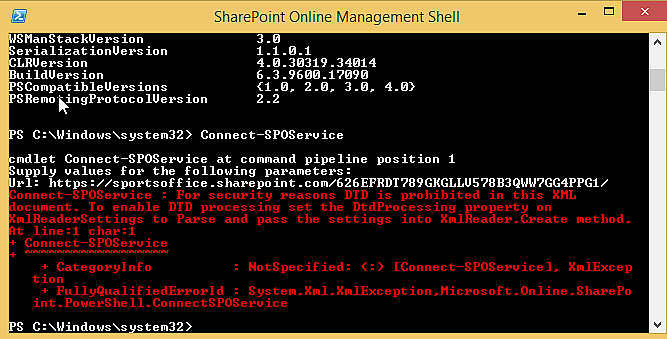
Whilst running some SharePoint Online PowerShell commandlets, or connecting to a SharePoint Online site from your app, you get the following (or similar) error about your SharePoint Online credentials being unauthorized for something you should defin...
So, you're running a PowerShell command that requires a connection to PowerShell gallery, but you run into an error message, somewhat like this: "Unable to find repository 'https://www.powershellgallery.com/api/v2'.
This article explains (with conveniently copy-pasteable code samples) how you can query your printers using PowerShell and modify properties, such as paper size, for one or more of them.
This article explains how to fix an issue when updating a module in PowerShell. The error is something along the lines of: " System.InvalidOperationException: PowerShell Gallery is currently unavailable. Please try again later.
As Teams adoption grows (partially driven by the megatrend of digitalization, partially by the massive surge in working from home due to Covid-19), different problems managing Teams also become more obvious.
I plugged Obfuscar into my build pipeline (the easiest configuration ever, by the way) because I needed to obfuscate a DLL I was going to push as a NuGet package.
This post describes a few different things that can (and will) go wrong when you're trying to load DLLs in PowerShell , and a couple of ways you can try to fix them.
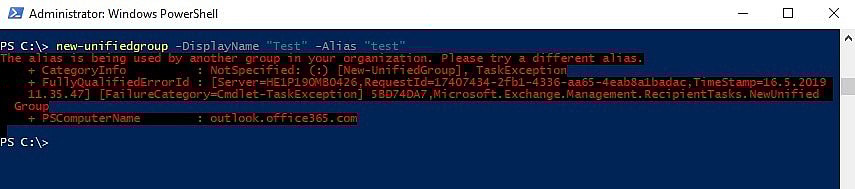
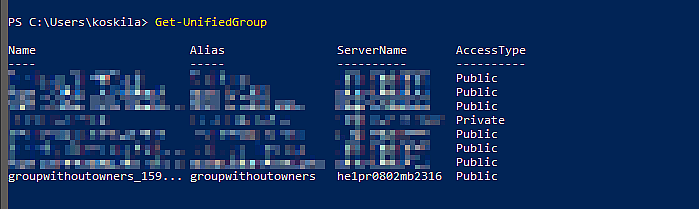
Okay - another simple one. When you're creating a new Office Group (or "Unified Group", as they're called as well), you might get an error for the alias already being used. Pretty simple, but still - let's see how to fix it.
This post describes a simple way to get around the following error while running Connect-PnPOnline: "The sign-in name or password does not match one in the Microsoft account system.
If your customers are anything like ours, some of them love the new modern library view, some will adjust and some just hate it and want to get as far away from it as possible.
Another weird, but simple issue I ran into when building a simple .NET Core application. The article should apply to pretty much any .NET Core version, but the version I was on was 2.2.
There are a thousand possible things that can throw a "Microsoft.SharePoint.Client.ServerException", but fewer things, that are ambiguous enough to be called "Unknown error".
Whoops. This could happen to anyone since the Azure PowerShell (approximately) version 6.3.0 will cache your credentials between sessions without warning you.
This article explains how to fix error 2147024891 (or sometimes -2147024891), "System.UnauthorizedAccessException" when accessing functionality in SharePoint that's built on top of SOAP Web Services.
This was a peculiar case! An issue I hadn't run into before, and luckily a disturbingly simple fix. But first, let's set up the scene: We were running a long-ish PowerShell script using a Global Administrator account.
While running " New-PnPSite " (or actually any other site creation method in PowerShell or programmatically), the site creation fails, and instead you get back an error like the one below: New-PnPSite : {"d":{"Create":{&...
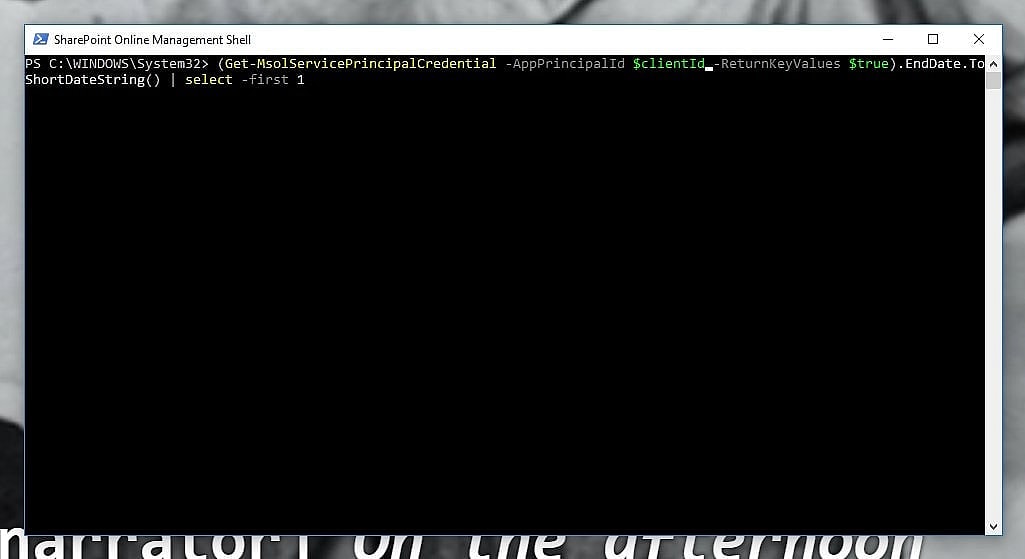
So, you have a Client Id and a Client Secret, but don't know if they work anymore? Maybe they are expired? Maybe someone removed them? Maybe you copy-pasted them from the wrong Key Vault and they belong to another tenant? No worries!
This article explains how to enable custom scripting for any SharePoint site collection. This is functionally equivalent to setting setting "-DenyAddAndCustomizePages 0" or disabling the NoScript feature.
A quick heads-up - if you remove the root site (or RootWeb, like it's called in the code) of your classic SharePoint Site Collection, that's going to cause you some grey hairs. It might even, in some rare cases, be unrecoverable!
Every now and then, you will run into a situation, where you will need to somehow dump the console output (or transcript) of running a console application.
This blog post briefly describes how to solve some of the most typical errors about missing PnP Cmdlets when using Windows Powershell (or SharePoint Online Management Shell).
Ever had issues with different versions of Office programs not living in harmony together? Me too! This post describes how I was able to fix the issue and get Visio and Office 2016 of different installation types to play well together.
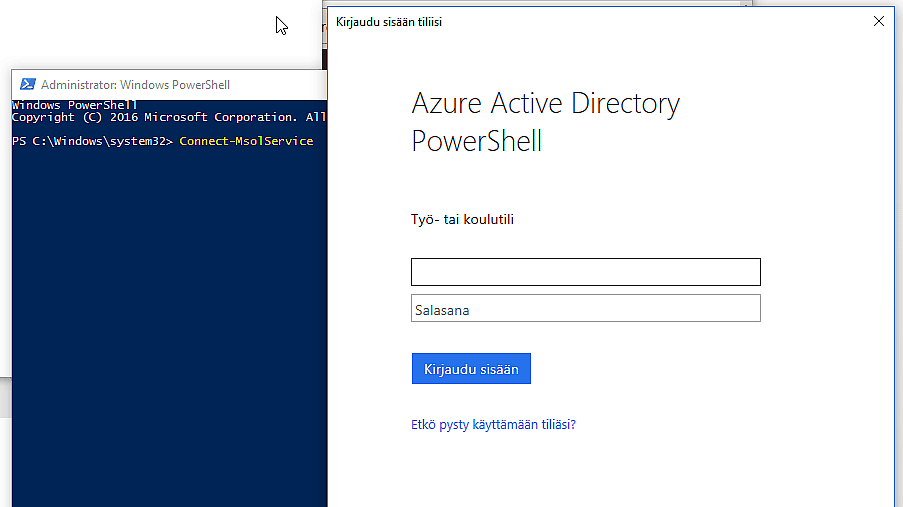
In this post, I'll try to archive everything that you need to download and install to get commandlets like Connect-MsolService working. I've had to do it a couple of times when changing laptops, so it's good to document them somewhere!
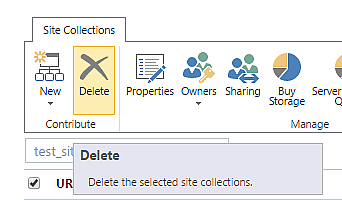
This post describes the actual, working, and the fast process of removing a site collection in SharePoint Online using the Remove-SPODeletedSite commandlet in SharePoint Online Management Shell (a flavor of PowerShell).
This post describes my super-simple fix to a weird error about "Identity Client Runtime Library (IDCRL)" failing with federated sign-in when running PowerShell scripts against SharePoint Online.
This post describes a peculiar problem that a customer had. In their intranet, all of their employees had a managed metadata -typed managed property in SharePoint User Profile Service and a mapping from that property to RefinableString31.
This blog post describes how to set SharePoint's ULS level to "Extra Verbose" (VerboseEx) using PowerShell. This is not possible using the browser UI, so some POSH magic is required!
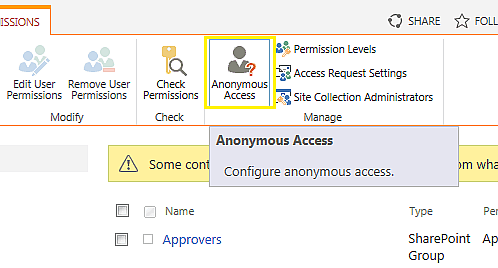
This post is about managing Anonymous Access on a SharePoint site (SPWeb) using PowerShell commandlets. It's often a lot more feasible and even easier than using the browser interface!














![Cover image for Azure DevOps fails with "The path [path-to-your-repo] does not exist" even though the repository is there for sure?](/cdn-cgi/image/sharpen=1,format=auto,quality=90,slow-connection-quality=50,onerror=redirect,fit=scale-down,width=1920/images/12955-bash.jpg)