#SharePointProblems | Koskila.net

Solutions are worthless unless shared! Antti K. Koskela's Personal Professional Blog

Posts from August 2018

Blog posts published in August 2018

Posts from August 2018 (4)

  • Cover image for Disabling requests to WsaUpload.ashx (Customer Experience Improvement Program)
    NEW
    Published on
    Authors
    koskila

    Disabling requests to WsaUpload.ashx (Customer Experience Improvement Program)

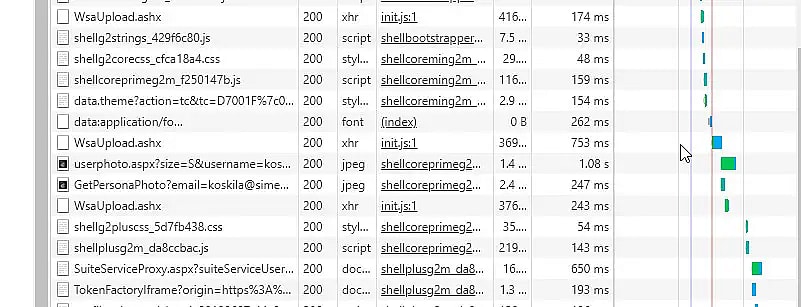
    So, I've gotten this question from a lot of customers and partners, and I thought it would be worth clarifying the case a bit. "I'm seeing a lot of requests these requests to WsaUpload.ashx . What do they matter? They seem to degrade the performance - so what can I do about them?" That's a great question! Let's see what it is, why it exists, and what we can do about it!

  • Cover image for Subscribe to changes on a SharePoint list
    Published on
    Authors
    koskila

    Subscribe to changes on a SharePoint list

    SharePoint List Alerts . That magnificent functionality in SharePoint gives you a heads-up anytime someone touches your precious documents (so you can go and revert the changes) or changes files in Style Library (so you can go and remove that pink custom CSS they tried to add). Very useful for a lot of scenarios! The functionality is ancient, quite cumbersome, and CERTAINLY not pretty, but it's straightforward and quite reliable.
  • Cover image for The fastest way to verify your Client Id and Client Secret are valid with PowerShell
    Published on
    Authors
    koskila

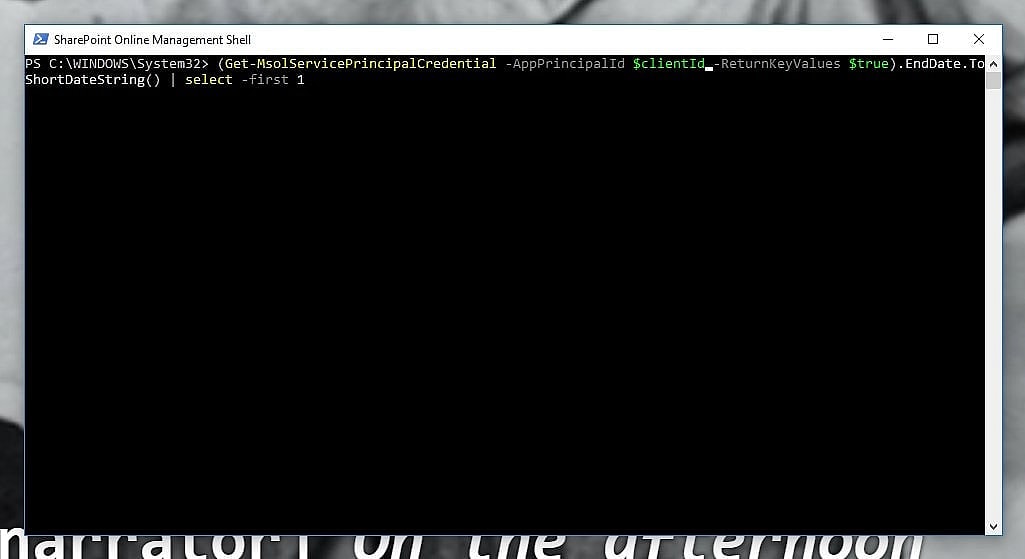
    The fastest way to verify your Client Id and Client Secret are valid with PowerShell

    So, you have a Client Id and a Client Secret, but don't know if they work anymore? Maybe they are expired? Maybe someone removed them? Maybe you copy-pasted them from the wrong Key Vault and they belong to another tenant? No worries! We can use PowerShell to validate them. This article explains a simple way to validate and debug your client id and client secret using PowerShell. Solution By using PowerShell, it's fairly straightforward to verify, that your Client Id and Client Secret work.
  • Cover image for How to get the user count for Azure AD Enterprise Application
    Published on
    Authors
    koskila

    How to get the user count for Azure AD Enterprise Application

    Have you ever tried to find out the number of users of an enterprise application in your Office 365 tenant? This could be needed for multiple different reasons: maybe your organization is paying for the app and you want to know who's actually using it, maybe the usage is required by a company policy and it's useful to know if the organization's members are actually using it, or maybe you just want to know about the user adoption of an app.
Whitewater Magpie Ltd.
© 2026
Static Site Generation timestamp: 2026-02-03T09:01:56Z